Console and execution logs
The Core console is the operator surface for workers, processes, executions, commands, and worker credentials. Its navigation adapts to desktop and mobile layouts; on smaller screens, use the navigation drawer and entity cards.
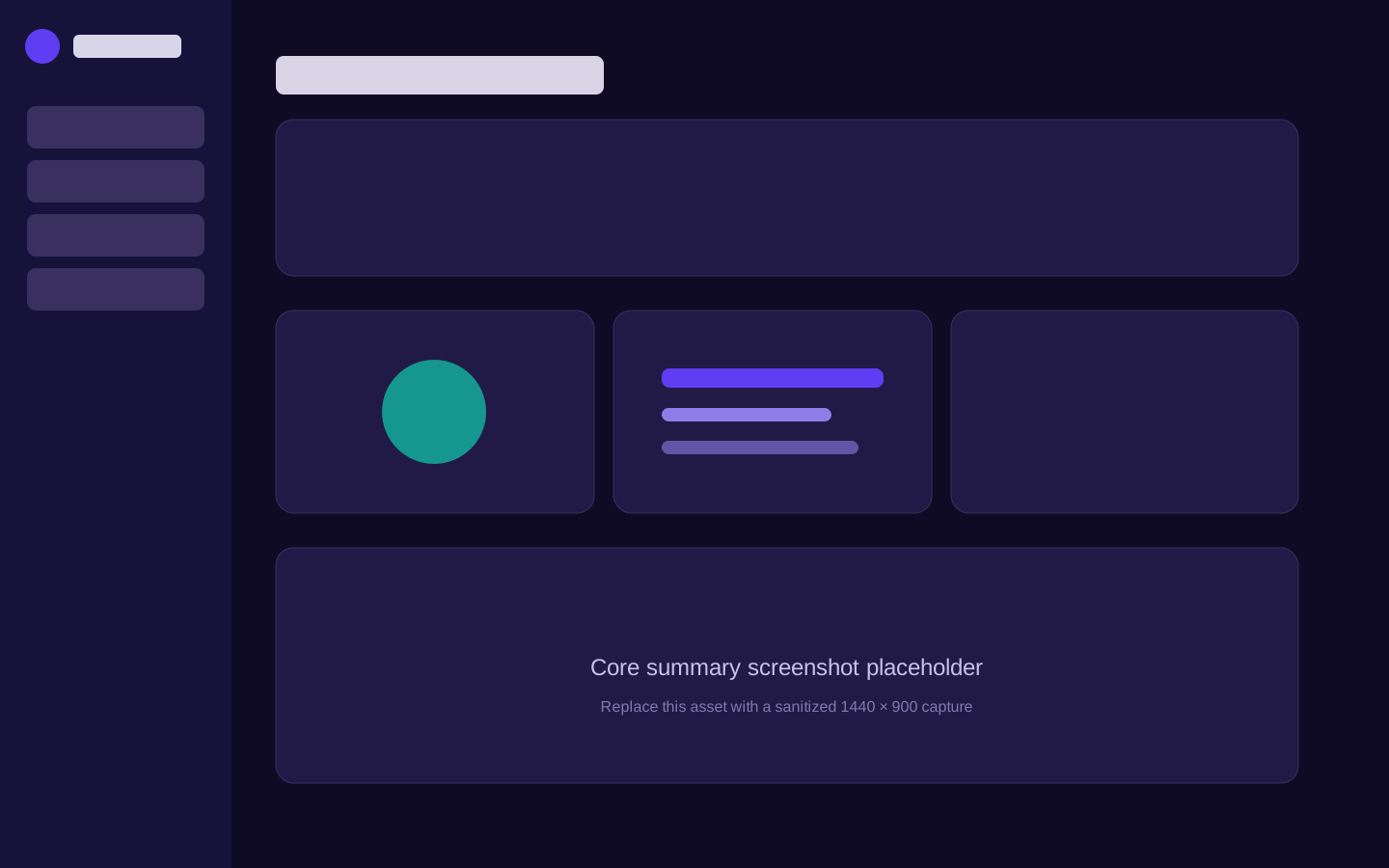
Main views
| View | Use it to |
|---|---|
| Summary | Check overall connectivity, state distribution, and outstanding commands. |
| Workers | Find applications reporting to Core and inspect their runtime identity. |
| Processes | Search and filter work, then issue start or stop commands. |
| Executions | Inspect individual runs, their states, times, and captured output. |
| Actions | Audit operator commands and heartbeat acknowledgements. |
| Settings | Create and revoke named worker tokens. |
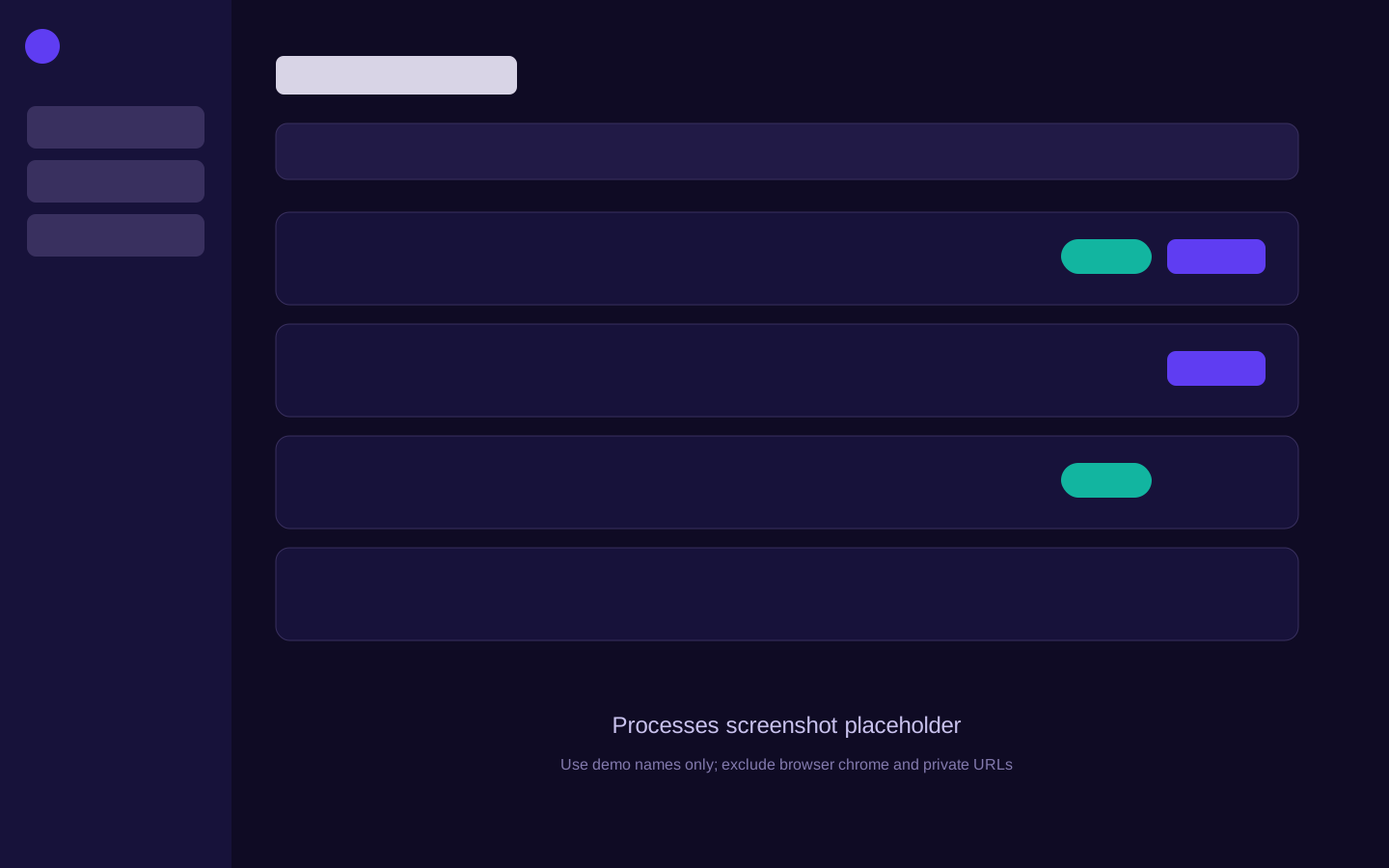
Start and stop safely
Starting a process creates or resumes an execution command. The worker acknowledges
that command through its next heartbeat. Stopping is cooperative: the library asks
the running body to exit and reports stopping until it does.
If a process remains in stopping, inspect its code for blocking work that ignores
the library's cancellation signal. Do not repeatedly issue commands; the current
command is already tracked and retried safely.
Read execution output
Open Executions, choose a run, and open its logs. Lines captured from stdout and stderr are ordered within that run. New output can arrive on later heartbeats while the log view is open.
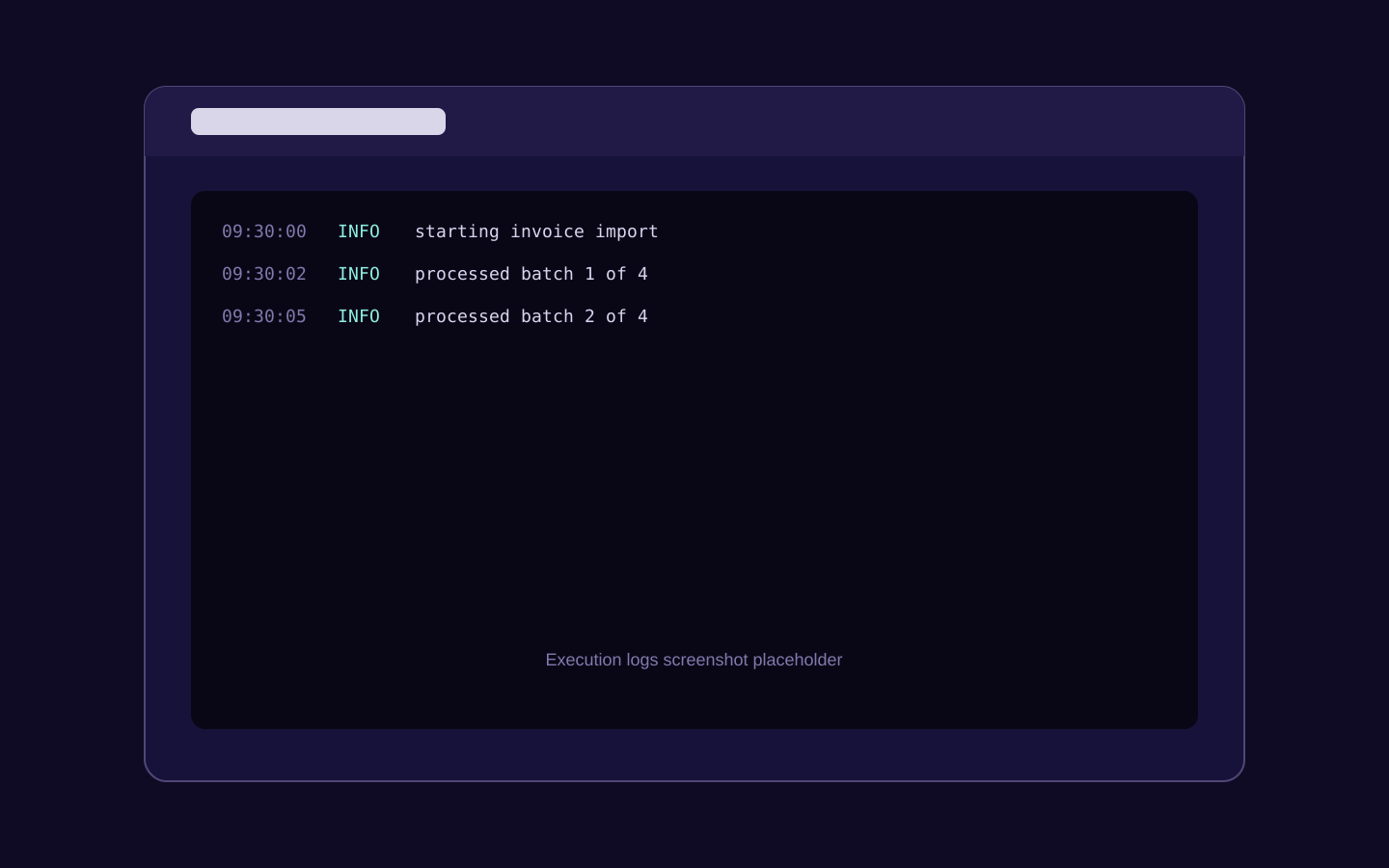
No logs can mean any of the following:
- the process has not written to stdout or stderr;
- capture was disabled in the worker;
- the output occurred outside a Synapsys process execution;
- the worker has not completed a successful heartbeat since producing the line.
Captured output is operational data. Avoid printing secrets, apply your normal access controls and retention expectations to Core, and disable capture when policy requires it.
Mobile operation
The console supports navigation and inspection on mobile browsers. Dense tables become touch-friendly cards and paging controls remain available. For high-impact operations, follow your organisation's normal change and approval practices no matter which device you use.